Removing Bright Spots in Images
I was working in Unity on a project and needed to remove small bright spots from an image. Usually I would search the internet for something like this as there are loads of people doing cool stuff in unity so “someone has done this before”. To my surprise no one had really looked into it, it does seem a bit of niche thing to do in Unity and this project wasn’t really for “game development” so I tried to solve it myself.
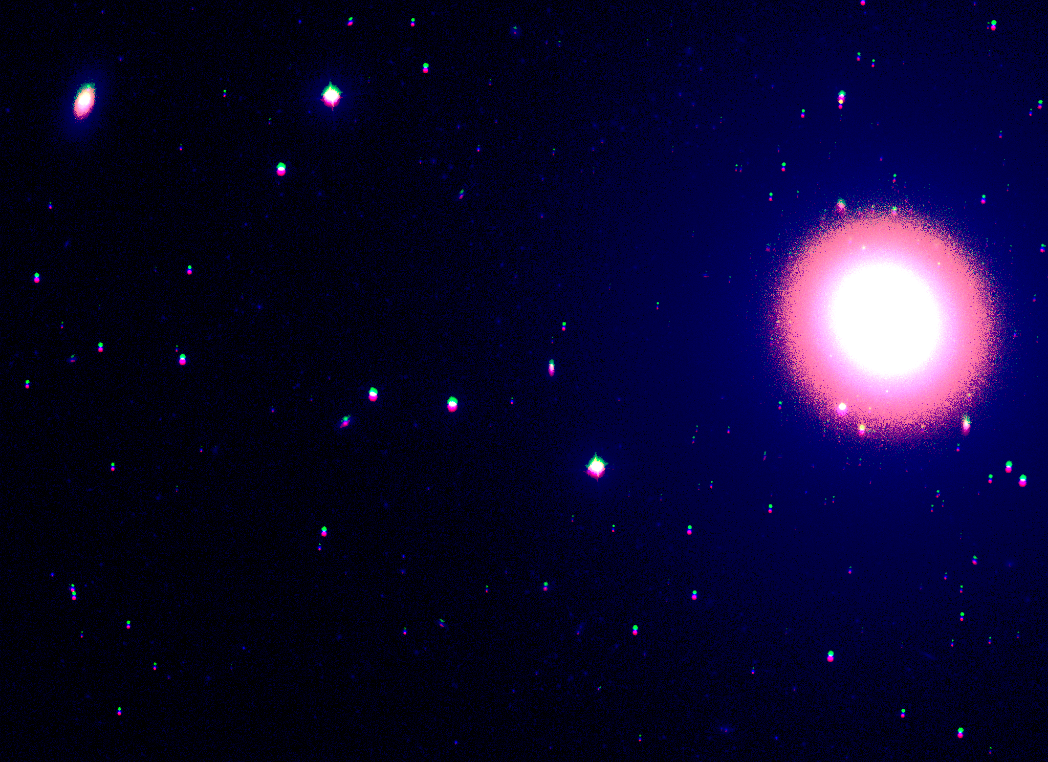 the image in question
As you can see there are some problems with the image, first the colour channels are offset, you can see green and red and blue channels are not aligned. Then there are the other small stars, small but not small enough and dark enough to be removed via denoising.
Offsetting the color channels can be done via a a compute shader that came with the project that I was working with but removing the smaller stars seemed harder. I decided to just search for the biggest bright spot and then draw a SDF circle around it and remove everything outside of the circle, as you can see in the image below.
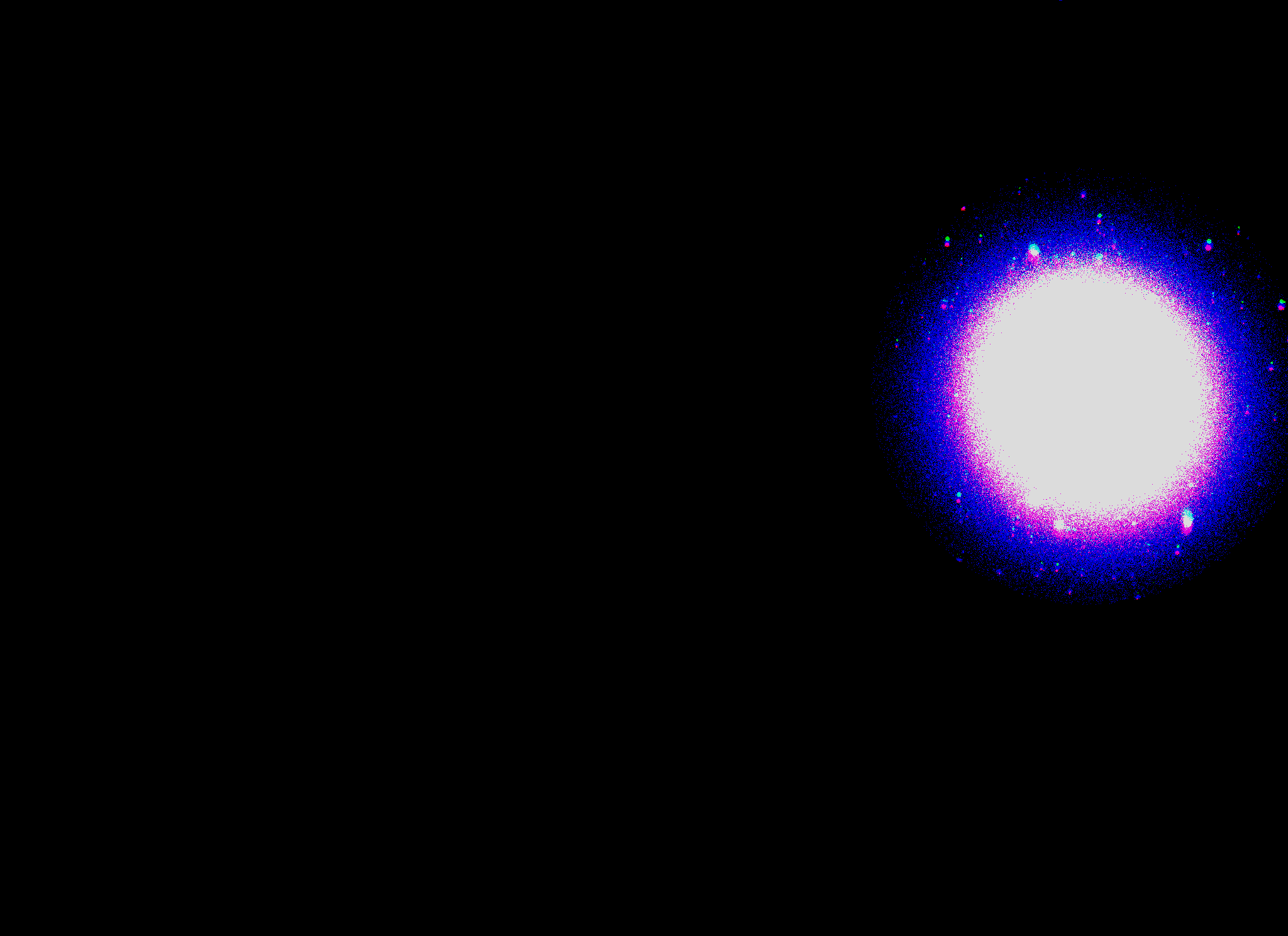
I think it’s a good result, at the moment I do this through a compute shader since I only have to do this once and then apply it to a texture, there might be a way to do this realtime without finding the brightest spot.
The SDF circle code looks like this:
//simple sdf circle to draw at a position
float circleShape(float2 xy,float2 position, float radius)
{
    return radius - length(xy - position);
}
You can read more about SDF shapes here
The main compute shader code looks like this:
[numthreads(8,8,1)]
void CSMain (uint3 id : SV_DispatchThreadID)
{
    float4 image = Result[id.xy];

    // if lower than 0.4 step the background down to black
    float r = image.r * step(0.4, image.r);
    float g = image.g * step(0.4, image.g);
    float b = image.b * step(0.4, image.b);

   //SDF circle
    if (PointXY.x > 0 && PointXY.y > 0)
    {
        r = r * circleShape(id.xy, PointXY, 350);
        g = g * circleShape(id.xy, PointXY, 350);
        b = b * circleShape(id.xy, PointXY, 350);
    }

    Result[id.xy] = float4(r,g,b, 1.0);
}